API Keys
Overview
Sayswitch uses API keys to authenticate requests. Each key is designed for specific use cases and environments.
Key Types
Public Keys
- Format:
pk_test_...(test) /pk_live_...(live) - Usage: Client-side operations, payment initialization
- Security: Safe to expose in frontend code
Secret Keys
- Format:
sk_test_...(test) /sk_live_...(live) - Usage: Server-side operations, payment processing
- Security: Keep private - never expose in client code
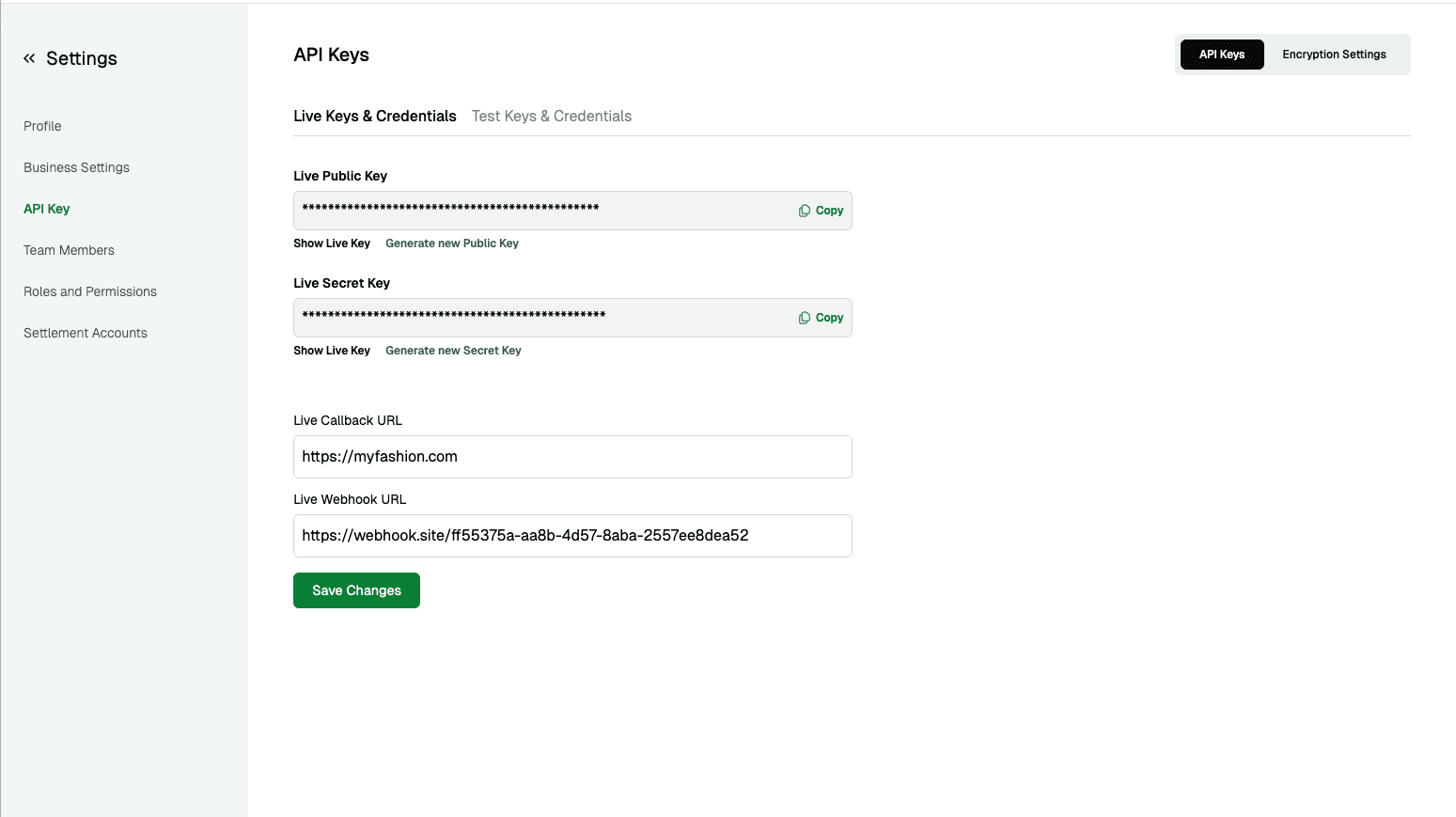
Getting Your Keys
- Login to Sayswitch Dashboard
- Navigate to Settings > API Keys
- Copy your keys for integration
Authentication
Include your API key in the Authorization header:
Authorization: Bearer YOUR_API_KEYExample Request
curl -X GET https://backendapi.sayswitchgroup.com/api/v1/transactions \
  -H "Authorization: Bearer sk_test_your_secret_key_here" \
  -H "Content-Type: application/json"
Security Best Practices
-
Protect Secret Keys
- Store in environment variables
- Never commit to version control
- Keep out of client-side code
-
Environment Separation
- Use test keys for development
- Use live keys only in production
-
Key Rotation
- Rotate keys every 6 months
- Replace immediately if compromised
Key Permissions
| Key Type | Permissions |
|---|---|
| Public Key | Payment initialization, public endpoints |
| Secret Key | Full API access, refunds, webhooks |
Troubleshooting
| Issue | Solution |
|---|---|
401 Unauthorized | Check key format and validity |
403 Forbidden | Verify correct key type for operation |
| Environment errors | Ensure test/live key matches endpoint |
Support
Need help? Contact support@sayswitch.com